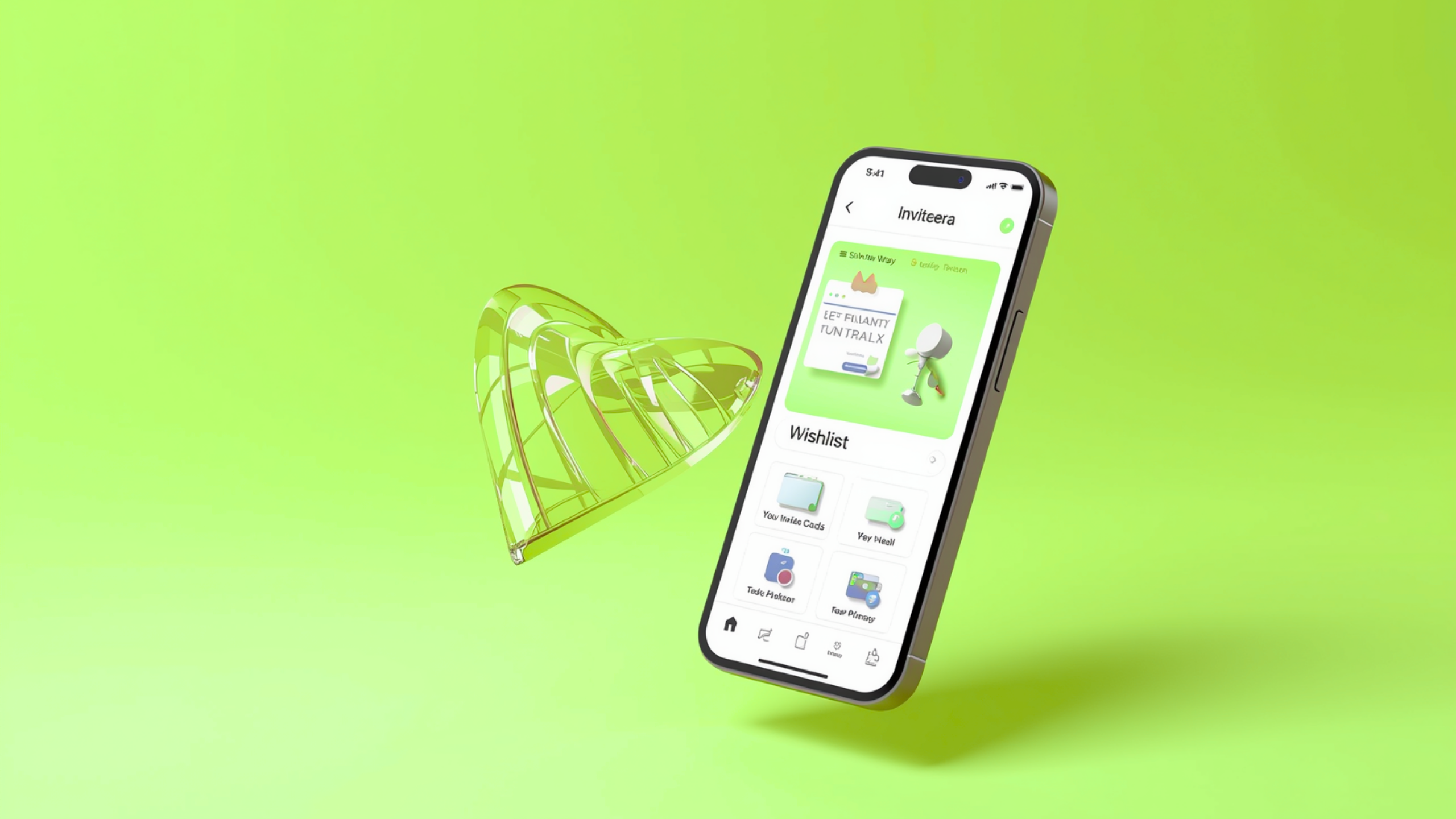
Stop Getting Gifts You Don't Need — There Is a Better Way
We have all been there. You throw a birthday party, a baby shower, or a wedding celebration — and end up with three identical coffee makers, two sets of towels you didn't want, and a gift card to a store you never visit.
The problem is not that your guests don't care. The problem is they had no idea what you actually wanted.
That ends now.
Inviteera is the only digital invitation platform that lets you build a beautiful, shareable event wishlist directly inside your invitation — so your guests always know exactly what to bring, what has already been reserved, and how to buy it in just a few taps.
Whether you are planning a birthday party, a wedding, a baby shower, a graduation, a housewarming, or any celebration worth remembering, Inviteera's wishlist feature makes gifting smarter, simpler, and stress-free for everyone involved.
Ready to get started? Visit https://www.inviteera.com and create your free account today.What Is the Inviteera Event Wishlist Feature?
The Inviteera wishlist feature is a built-in tool that lets hosts add a gift wishlist directly to their digital invitation. Instead of sending a separate list over WhatsApp or writing gift suggestions in the invitation notes, everything lives in one clean, organized place — right on your invitation page.
Your guests open the invitation, read the event details, RSVP, and then scroll down to see exactly what you would love to receive. Each item on the wishlist shows the gift name, a photo, a description, a price, and two clear action buttons — Reserve and Buy.
This means no duplicate gifts. No awkward guessing. No last-minute panic purchases. Just a smooth, thoughtful gifting experience that makes everyone feel good.
Explore the full wishlist feature at https://www.inviteera.com/wishlists.How the Reserve and Buy Buttons Work
This is where Inviteera truly shines over every other invitation platform available today.
Every item on your event wishlist has two interactive buttons that your guests can use.
The Reserve Button
When a guest clicks Reserve on a wishlist item, that gift is instantly marked as reserved across the entire invitation. Every other guest who views the wishlist will see that item is taken — so no two people accidentally buy the same thing. The reservation happens in real time, meaning the moment one guest claims a gift, it disappears from the available list for everyone else.
This eliminates one of the most common and frustrating parts of gifting at events — the dreaded duplicate gift. With Inviteera, it simply cannot happen.
The Buy Button
The Buy button takes guests directly to the product page where they can purchase the gift online. You simply add the product link when building your wishlist, and Inviteera does the rest. Guests can browse, confirm the item, and complete their purchase — all without ever leaving the flow of your invitation experience.
This is especially powerful for guests who live far away or cannot attend in person. They can still participate meaningfully in your celebration by purchasing a gift from your wishlist and having it shipped directly to you.
Together, the Reserve and Buy buttons create a gifting experience that feels modern, thoughtful, and completely frictionless — for both hosts and guests.How to Add a Wishlist to Your Digital Invitation on Inviteera
Building your event wishlist on Inviteera takes less than five minutes. Here is exactly how to do it.
Step 1 — Create your invitationHead to https://www.inviteera.com and sign up for a free account. Choose your event type — birthday, wedding, baby shower, graduation, housewarming, or custom — and start building your invitation. Pick a design template, add your event details, upload a cover photo, and set your RSVP options.
Step 2 — Open the Wishlist tabOnce your invitation is set up, navigate to the Wishlist section inside your invitation editor. This is where you will build your gift list from scratch.
Step 3 — Add your wishlist itemsFor each item you want to add, enter the gift name, a short description, the price, a photo of the item, and the product URL (the link where guests can buy it). You can add as many items as you like — from small affordable gifts to larger splurge options — so guests of every budget feel included.
Step 4 — Publish and shareOnce your wishlist is ready, publish your invitation. Your wishlist is now live and embedded directly inside your invite. Share the invitation link on WhatsApp, Instagram, by email, or in a message — and every guest who opens it will see your wishlist with the Reserve and Buy buttons ready to use.
Step 5 — Track in real timeAs guests start reserving and buying gifts, your wishlist updates automatically. You can log into your Inviteera dashboard at any time to see which gifts have been reserved, which are still available, and who has committed to what.Build a Standalone Wishlist — Even Without an Event Invitation
Here is a feature that makes Inviteera unlike anything else on the market.
You do not need to have an active event invitation to create a wishlist on Inviteera. The platform lets you build a completely standalone wishlist at any time — completely independent of any event — and share it with friends, family, or followers whenever you want.
This opens up a world of possibilities beyond just event gifting.
You can create a birthday wishlist months before your actual birthday and share it with family who always ask what you want. You can build a home renovation wishlist and share it with your partner or parents. You can create a holiday gift guide for friends, a back-to-school list for your kids, or a personal running list of things you want to buy yourself someday.
The standalone wishlist is just as powerful as the event-linked version. Every item has the same Reserve and Buy functionality. The list is shareable via a direct link. And it updates in real time as people interact with it.
Create your first standalone wishlist today at https://www.inviteera.com/wishlists.
Share Your Wishlist with Anyone, Anywhere
Sharing your Inviteera wishlist is as simple as copying a link.
Every wishlist — whether attached to an invitation or standalone — gets its own unique shareable URL. You can send this link over WhatsApp, paste it in an Instagram bio, include it in an email, or even print it as a QR code on a physical card. Anyone with the link can view your wishlist and interact with it instantly — no account required on their end.
This makes Inviteera wishlist links incredibly versatile. A bride can include her wedding gift wishlist link in the wedding invitation WhatsApp group. A parent can share their child's birthday wishlist link in the family group chat weeks before the party. A college student can post their graduation wishlist on their Instagram story.
However you share it, the experience on the other end is clean, fast, and mobile-friendly. Guests see the wishlist, pick what they want to gift, hit Reserve or Buy, and they are done.
Visit https://www.inviteera.com/wishlists to see how beautiful and simple sharing can be.
Perfect for Every Type of Event and Occasion
The Inviteera wishlist feature is not limited to one type of celebration. It works beautifully for every occasion you can think of.
Birthday parties — Whether it is a child's first birthday or a milestone 30th, a wishlist takes the guesswork out of gifts for every guest on the list.
Weddings — Couples can build a comprehensive wedding gift wishlist with items across every price range, making it easy for guests of all budgets to contribute something meaningful.
Baby showers — Expecting parents can list exactly what they need — from the pram to the baby monitor to the swaddle set — so every shower gift is genuinely useful.
Graduations — Graduates can share practical wishlist items — a laptop, a travel bag, professional clothing — so gifts actually support the next chapter of their life.
Housewarmings — Moving into a new place comes with a hundred things to buy. A housewarming wishlist means guests help you fill your new home with things you actually need.
Anniversaries and festivals — For couples celebrating an anniversary or families preparing for a holiday season, a shared wishlist keeps gifting thoughtful and on-target every time.
No matter what you are celebrating, Inviteera's wishlist feature ensures every gift lands with maximum impact.
Get started at https://www.inviteera.com — it is completely free.
Why Inviteera Wishlist Is Better Than Sending a WhatsApp List
Most people still share gift ideas the old-fashioned way — typing a list into a WhatsApp message, sending an Amazon link in a chat, or telling family members verbally what they want. This creates chaos. People forget. Gifts get duplicated. Links go stale. Nobody knows what has already been bought.
Inviteera solves every single one of these problems.
Unlike a WhatsApp message, your Inviteera wishlist is a live, interactive page. It updates automatically when items are reserved. It gives guests a direct purchase link. It keeps everything organized in one place. And it looks beautiful — not like a rushed note in a group chat.
Unlike a basic Amazon wishlist or Google doc, Inviteera connects your gift list directly to your event invitation, creating a seamless experience from RSVP to gifting. Your guests do not need to jump between apps or links. Everything is right there on your invitation page.
This is what a modern gifting experience should look like in 2025.
Frequently Asked Questions About Inviteera Wishlists
Is the wishlist feature free to use on Inviteera?Yes. Creating and sharing a wishlist on Inviteera is completely free. Visit https://www.inviteera.com to create your account and start building.
Can I add items from any online store to my wishlist?Absolutely. You can add items from any website by pasting the product link. Whether it is Amazon, a local boutique, a brand website, or any other online store — if it has a URL, you can add it to your Inviteera wishlist.
Can guests reserve a gift without buying it immediately?Yes. The Reserve and Buy buttons are completely separate. A guest can reserve a gift to claim it as theirs, then buy it later in-store or online at their own convenience.
Do guests need an Inviteera account to view or interact with my wishlist?No. Guests can view your wishlist and use the Reserve and Buy buttons without creating an account. Sharing is frictionless.
Can I build a wishlist without creating an event invitation?Yes. Inviteera lets you create standalone wishlists completely independent of any event. Visit https://www.inviteera.com/wishlists to create one anytime.
How do I know which gifts have been reserved?Your Inviteera dashboard shows you a real-time view of all reserved and available items on every wishlist you have created.
Start Building Your Event Wishlist on Inviteera Today
Gifting should be one of the most joyful parts of any celebration — not a source of stress, confusion, or disappointment. Inviteera was built to make that a reality.
With a beautiful digital invitation, a live event wishlist, real-time Reserve and Buy functionality, and the ability to share standalone wishlists with anyone at any time, Inviteera gives you everything you need to make every celebration genuinely memorable — for you and every single guest.
Stop settling for duplicate gifts and guesswork. Start celebrating smarter.
👉 Create your free invitation and wishlist at https://www.inviteera.com👉 Explore and share wishlists at https://www.inviteera.com/wishlists