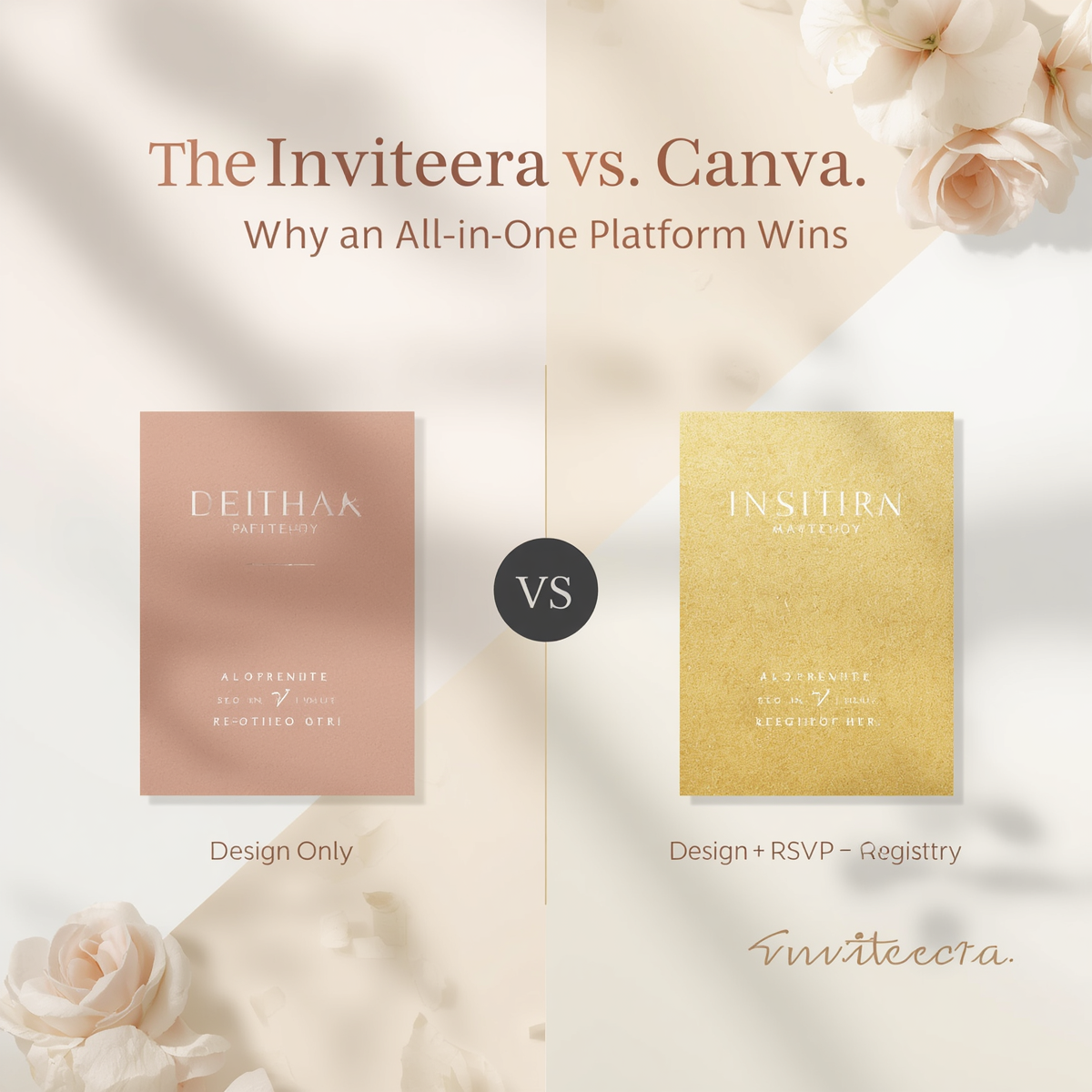
Canva has become one of the most popular places to design an invitation. It's free to start, the templates are beautiful, and almost anyone can put together a polished-looking card in a few minutes. But once you move past the design stage, the cracks start to show. Canva can help you make an invitation look good. It cannot help you send it, track who's coming, or let your guests know what to actually bring.
That gap is exactly where Inviteera comes in. Inviteera was built as a complete event hosting platform, not just a design tool, which means it handles the invitation, the RSVP tracking, and the gift registry or wishlist in one connected experience. For hosts planning anything from a wedding to a baby shower to a corporate event in 2026, that difference ends up mattering a lot more than which one has nicer fonts.
What Canva Invitations Actually Offer
Canva is, first and foremost, a graphic design platform. Its invitation templates are genuinely good: clean layouts, on-trend color palettes, and an enormous library of fonts and graphics to customize. If your only goal is to produce a visually striking PNG or PDF, Canva does that job well, and it does it for free or at a low cost.
The limitation is that Canva stops at the image. Once your invitation is designed, you're on your own for distribution. There's no built-in way to send the invite to your guest list, no RSVP form attached to it, and no mechanism for guests to respond inside the platform. Most people end up exporting the design and then pasting it into WhatsApp, email, or a separate RSVP tool, which immediately splits the experience across three or four different apps.
There's also nothing in Canva that connects to gift-giving. If a host wants to share a wishlist or registry alongside the invitation, that has to be built and linked manually somewhere else entirely, usually on a third-party registry site that has no design or branding connection to the invitation itself.
What Inviteera Adds to the Equation
Inviteera starts from a different premise: an invitation isn't just a visual, it's the first step in a process that includes responding, planning, and gifting. So instead of treating those as separate problems, Inviteera bundles them into a single flow.
A host designs the invitation, sends it directly to guests, and tracks RSVPs as they come in, all from the same dashboard. Guests can also see and contribute to the host's gift registry or wishlist directly through the invitation itself, without being redirected to an unrelated site. For events where gifting is part of the occasion, such as weddings, baby showers, birthdays, or housewarmings, this single-platform structure removes a step that almost every host using Canva has to handle manually elsewhere.
This is the core reason Inviteera positions itself as an all-in-one platform rather than a design tool. The invitation, the response tracking, and the registry are not three separate products stitched together; they're one connected system built around the actual lifecycle of hosting an event.
RSVP Management: Built-In vs. Bolted-On
This is one of the clearest practical differences between the two. With Canva, RSVP tracking doesn't exist natively. Hosts typically resort to a shared spreadsheet, a separate form tool, or simply asking guests to reply by text, which gets messy fast once the guest list grows past a handful of people.
Inviteera, on the other hand, builds RSVP collection directly into the invitation. When a guest opens the invite, responding is part of the same action, and the host sees real-time updates on who's attending, who hasn't replied, and any notes or dietary preferences guests choose to add. For 2026 hosts managing increasingly international and remote guest lists, having that data centralized in one place, rather than scattered across spreadsheets and screenshots, saves real time during the planning process.
The Gift Registry Gap
This is where the comparison becomes less close. Canva simply has no gift registry or wishlist functionality, and it's not designed to. It's a design tool, and asking it to manage gifting would be outside its purpose entirely.
Inviteera treats the registry as a core part of the platform rather than an afterthought. Hosts can build a wishlist, link products, or set up group gifting and cash fund options, and guests can view and act on that registry from inside the same invitation they used to RSVP. There's no separate link to a different website, no mismatched branding, and no guest confusion about where to look for gift information. For hosts who want one cohesive guest experience instead of three disconnected ones, that integration is the single biggest reason to choose Inviteera over a Canva-plus-other-tools setup.
Design Quality: Does Inviteera Compromise on Looks?
A fair question, since Canva's reputation is built on design flexibility. The good news is that combining features doesn't mean sacrificing aesthetics. Inviteera offers its own library of customizable templates spanning weddings, birthdays, corporate events, and seasonal occasions, with the same kind of visual polish hosts expect from a dedicated design tool. The difference is that those templates come pre-connected to RSVP and registry functionality, so the design isn't a dead end that requires exporting and rebuilding elsewhere.
For hosts who want extremely specific, highly custom artwork, Canva's broader creative toolkit may still appeal. But for the vast majority of event invitations, where the priority is a clean, attractive design that actually functions as a hosting tool, Inviteera's templates cover the same ground without forcing a workaround afterward.
Why the All-in-One Model Wins for Most Hosts
The honest answer is that Canva and Inviteera aren't really solving the same problem. Canva solves "how do I make this look nice." Inviteera solves "how do I plan and run this entire event." For a static design need with no follow-up requirements, Canva is perfectly fine. But the moment a host needs to track responses, manage a guest list, or share a registry, Canva requires bringing in two or three additional tools to fill the gaps, and stitching those tools together is its own project.
Inviteera removes that stitching entirely. One platform handles the look, the logistics, and the gifting, which is precisely why hosts increasingly favor all-in-one tools over piecing together separate apps for each part of event planning in 2026.
Who Should Choose Which
If you only need a single, beautifully designed graphic with no RSVP or gifting component attached, Canva remains a solid free option. But for anything resembling a real event, a wedding, a baby shower, a milestone birthday, a corporate gathering, where you need to know who's coming and want guests to see your wishlist, Inviteera is built specifically for that complete workflow rather than just the first step of it.
Frequently Asked Questions
Is Canva good enough for sending wedding invitations? Canva can design a beautiful wedding invitation, but it doesn't manage sending, RSVP tracking, or guest responses. Couples typically need to export the design and use a separate platform for distribution and a separate one again for their registry, which is the gap Inviteera is built to close.
Can I link my own gift registry to a Canva invitation? You can manually add a link to an external registry website inside the text of a Canva design, but there's no native integration, no tracking, and no guarantee guests will notice or use it. Inviteera embeds the registry directly into the invitation experience instead.
Does Inviteera support custom designs like Canva does? Yes. Inviteera offers customizable templates across event types, allowing hosts to adjust colors, fonts, and layouts, while keeping those designs connected to RSVP tracking and registry features by default.
Is Inviteera more expensive than Canva? Canva's free tier covers basic design only, while paid Canva plans add more templates and assets but still no RSVP or registry tools. Inviteera's value comes from bundling design, RSVP management, and gift registry into one platform, which typically replaces the need for two or three separate tools and subscriptions.
Which platform is better for international or destination events? Inviteera's centralized RSVP tracking is particularly useful for guest lists spread across time zones and countries, since hosts can see all responses in one dashboard rather than chasing replies across email, text, and social media.
Internal Linking Suggestions:
- Link to a guide on digital vs. paper invitations when introducing Canva's design-only limitation
- Link to a free vs. paid invitation platforms post in the RSVP management section
- Link to a Gen Z wedding trends post in the "who should choose which" section to reinforce 2026 hosting behavior
- Link to a future "how to build a group gift fund" post from the Gift Registry Gap section